ADVERTISEMENT


Experience a more seamless workflow with the latest updates of Microsoft Excel: Spreadsheets app. The app now offers enhanced performance on Android and iOS platforms ensuring you get the most out of your data analysis tasks on the go. With an upgraded user interface, accessing and editing your spreadsheets has become even more intuitive. These updates include improved speed for downloading and installing, and quicker login processes, making your Excel experience smoother than ever before.
1. **Spreadsheets & Calculations:**
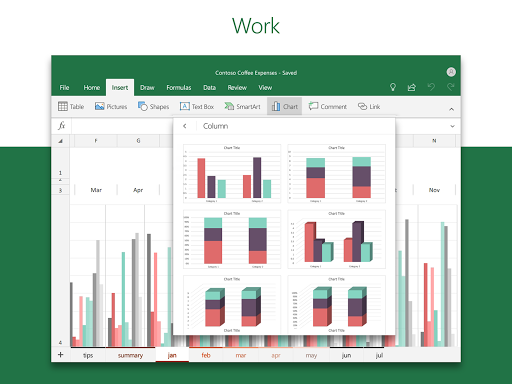
- Microsoft Excel: Spreadsheets app empowers you with modern templates for creating charts, budgets, task lists, and performing in-depth financial analysis.
- Use the robust accounting calculator and familiar formulas for efficient spreadsheet calculations.
- With rich Office features and formatting options, your workbook sheets and charts are easy to read and use across all devices.
2. **Accounting, Budget & Expense Tracking:**
- Built-in Budget Template assists you in calculating budget needs effectively.
- The Budget Planner tools allow you to delve deep into your financial requirements.
- With the Budget Tracker, tracking your expenses and saving money is simplified.
- Utilize the app as an accounting solution for tax estimates and personal finance management.
3. **Data Analysis:**
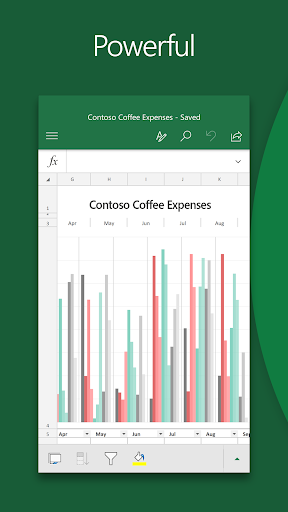
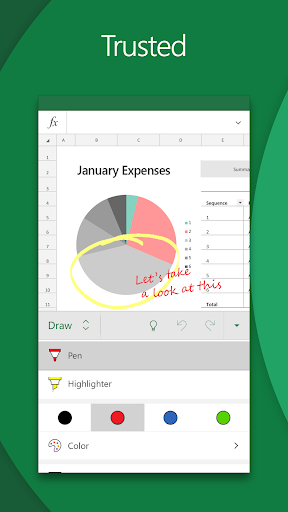
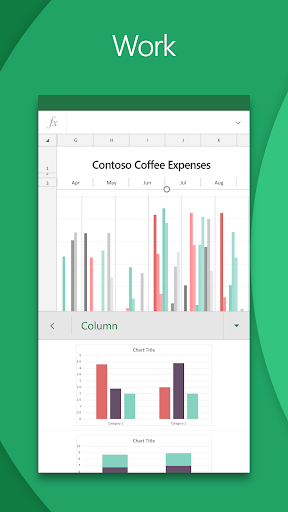
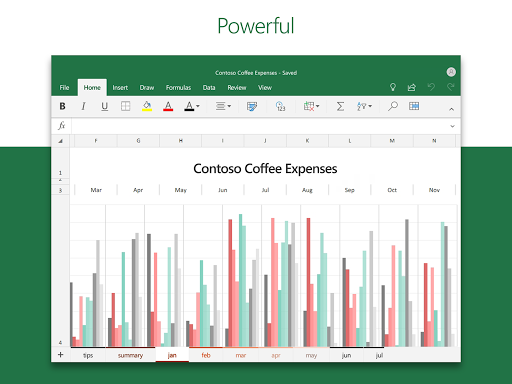
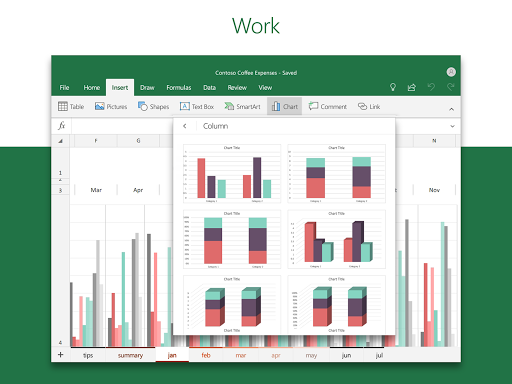
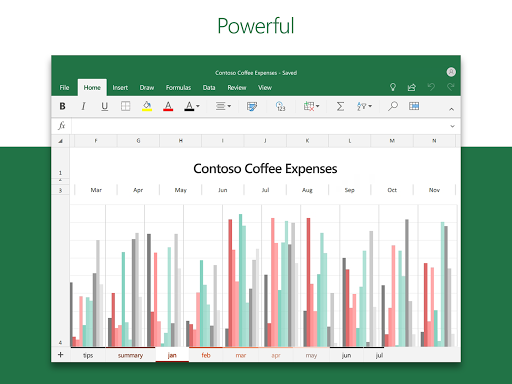
- Bring your data to life with the app's versatile chart maker, which allows for annotations and edits.
- Our data analysis tools enable adding and editing chart labels for highlighting critical insights.
- Pivot Charts and spreadsheet visualization tools offer formats that are easy to digest and understand.
4. **Review and Edit:**
- Utilize the file editor to edit your documents, charts, and data from anywhere, anytime.
- Advanced sorting and filtering features help you organize your data efficiently.
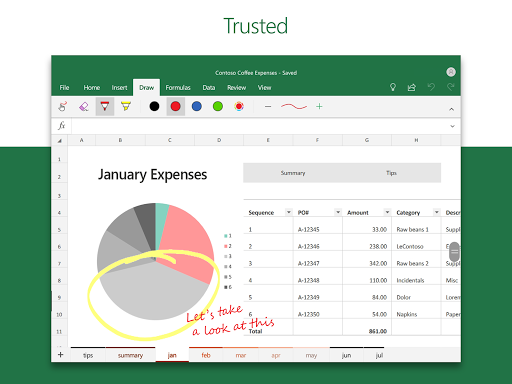
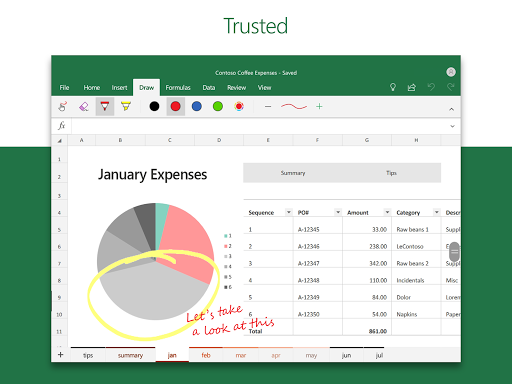
- Annotate charts, highlight worksheet sections, and draw shapes with the app’s touch device draw tab.
5. **Collaborate and Work Anywhere:**
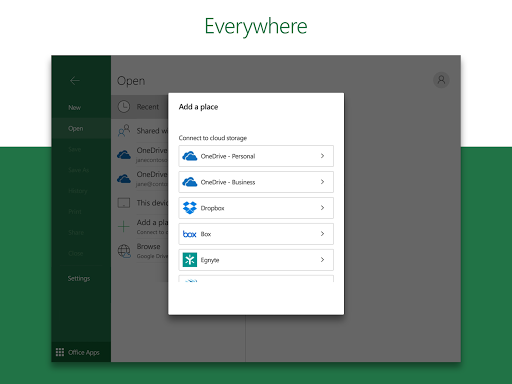
- Share your files and Excel sheets with a quick tap, inviting others to edit, view, or comment, encouraging collaborative efforts.
- Enjoy seamless integration and editing capabilities, making team projects more efficient and productive.
1. **Cross-Platform Compatibility:**
- The Microsoft Excel: Spreadsheets apk works effortlessly on Android and iOS, ensuring you can take your work anywhere.
2. **Extensive Features:**
- From budgeting and accounting to data analysis and chart creation, the app is loaded with tools to cater to a variety of productivity needs.
3. **User-Friendly Interface:**
- The app’s intuitive design allows both beginners and professionals to navigate and utilize its features with ease.
4. **Collaboration Tools:**
- Easily share and collaborate with team members in real-time, enhancing workflow and productivity.
5. **Reliable and Secure:**
- Built by Microsoft, the app promises high security standards, ensuring your data remains safe and private.
1. **Limited Functionality Offline:**
- Some features may require an internet connection to function optimally, limiting offline use.
2. **Premium Features at a Cost:**
- While the app boasts numerous features, some advanced functionalities may require a subscription.
3. **Steep Learning Curve:**
- For those unfamiliar with Excel, there might be a learning period to fully utilize all features.
As an avid user of the Microsoft Excel: Spreadsheets app, I can confidently say it has transformed how I manage data and projects. From quick and easy Microsoft Excel: Spreadsheets download to efficient installation, the entire process is smooth on both Android and iOS. The wide range of functionalities, from data analysis to creating comprehensive budgets, makes it indispensable for my daily needs. I particularly appreciate the on-the-go expense tracking features which have drastically improved my financial management skills. Working collaboratively is a breeze thanks to its easy sharing options. However, it's important to note that while the free version offers a solid set of tools, accessing more advanced functionalities might require a premium subscription. Overall, if you're someone who doesn't mind investing some time to learn, this app could significantly boost your productivity.
1. **Is the Microsoft Excel: Spreadsheets app free to use?**
- Yes, the app offers a free version with access to many of its fundamental tools. However, some advanced features may require a subscription.
2. **How do I download Microsoft Excel: Spreadsheets on my device?**
- The app can be downloaded from both the Google Play Store for Android and the Apple App Store for iOS. Search for "Microsoft Excel: Spreadsheets apk" to locate it quickly.
3. **Can I use the app offline?**
- While the app does offer some offline capabilities, certain features may require an internet connection to access entirely.
4. **How does one install Microsoft Excel: Spreadsheets?**
- Installation is simple: locate the app in your respective device store, hit download, and follow the on-screen prompts to complete the process.
5. **Do I need a Microsoft account to login and use Microsoft Excel: Spreadsheets?**
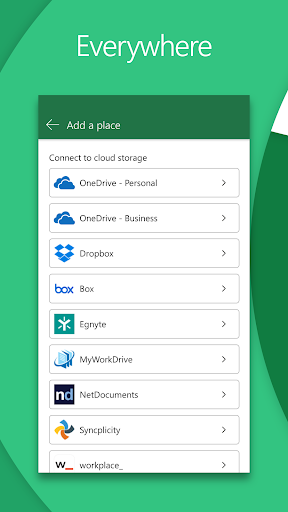
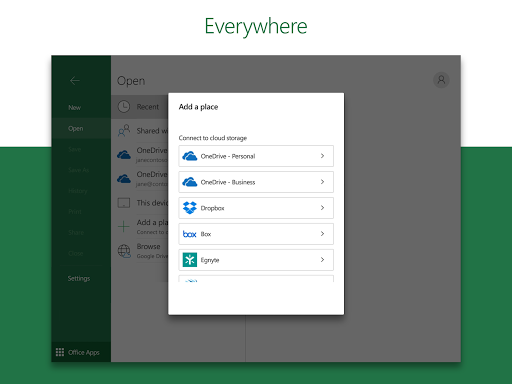
- Yes, having a Microsoft account enhances your user experience, allowing seamless storage and sharing via OneDrive.
Empower your data handling and project management skills by embracing the comprehensive tools offered by Microsoft Excel: Spreadsheets app. Whether you're a seasoned professional or a newcomer, the app promises to enhance your productivity with its diverse functionalities and easy accessibility.