ADVERTISEMENT


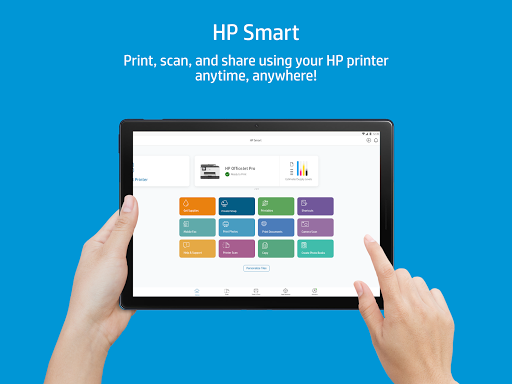
The HP Smart app is continuously evolving to enhance your printing and scanning experience. Recent updates have focused on improving user interface flow and boosting connectivity features, making it simpler than ever to link your devices seamlessly. Enhanced Mobile Fax capabilities now allow for smoother connections and quicker transactions, and new editing tools make it easier to customize your documents and photos directly within the app. Whether you're using the HP Smart apk on Android or the free HP Smart app on IOS, these updates are designed to streamline your tasks and save you time.
1. **Seamless Printing and Scanning:**
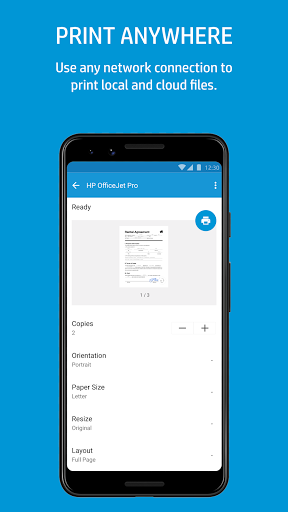
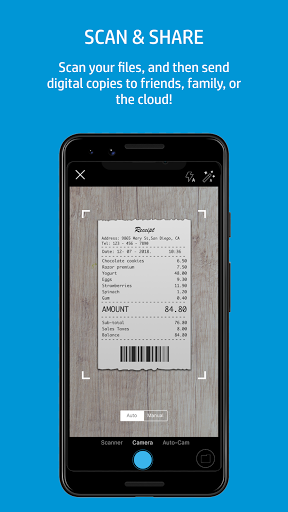
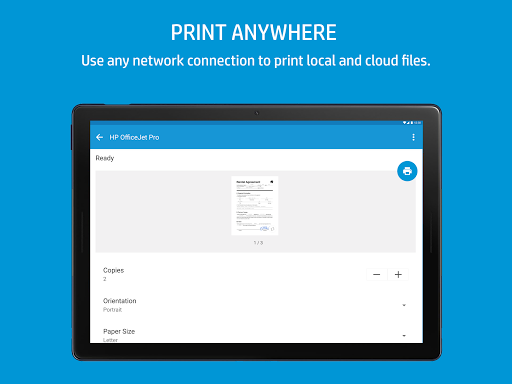
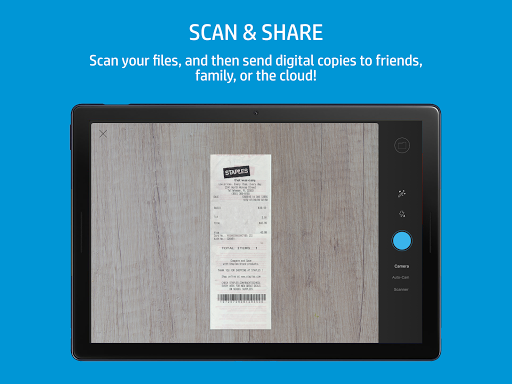
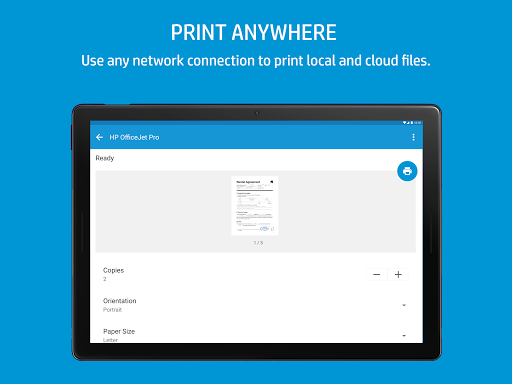
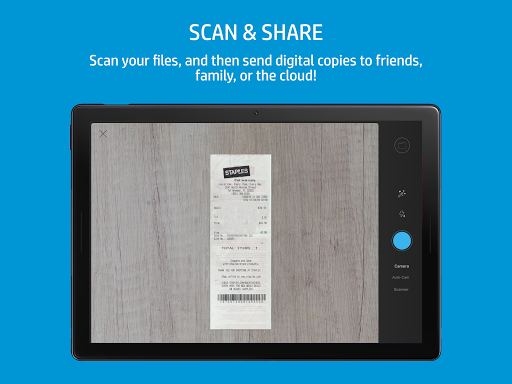
With the HP Smart app, you can effortlessly print, scan, copy, and share documents with just a few taps. You can print files from your mobile phone no matter where you are with the handy Print Anywhere feature. It’s as easy as using your camera or importing files to create high-quality scans, and saving them as PDF or JPEG files. Convert your mobile device into a powerful scanning tool that integrates with your printer.
2. **Advanced Photo Editing and Enhancement:**
Make your photos pop with intuitive editing tools within the app. Adjust saturation, contrast, or brightness to perfect each image, or add filters and text to make your photos truly stand out. Cropping is a breeze, giving you full control over your images before printing or sharing them.
3. **Mobile Fax Functionality:**
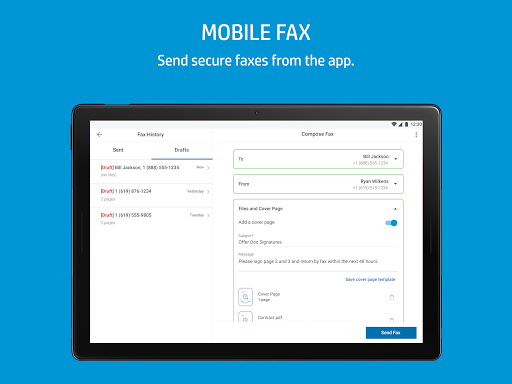
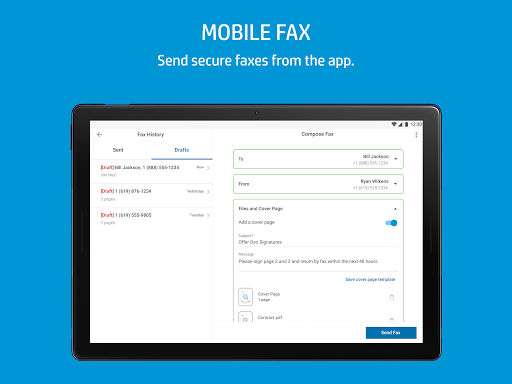
Sending faxes has never been easier. With Mobile Fax, you can send secure documents right from your phone without the need for a separate fax machine. This feature is built directly into the app, delivering convenience and efficiency whether you're at the office or working remotely.
4. **Smart Tasks Automation:**
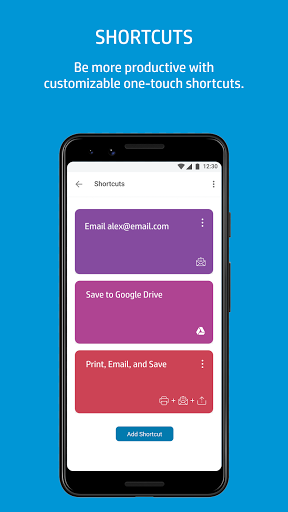
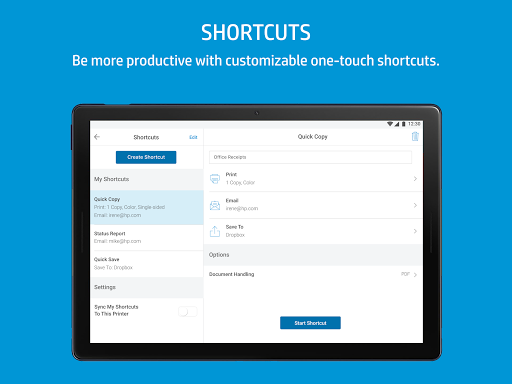
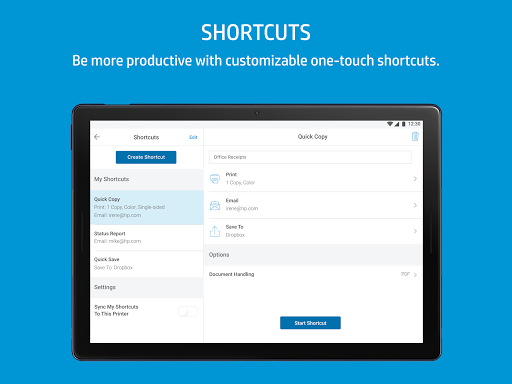
Increase your productivity by setting up customizable one-touch shortcuts. Smart Tasks allows you to automate repetitive tasks such as saving files to your favorite cloud storage or emailing documents. This feature ensures that you get more done with less effort, helping to streamline your workflow significantly.
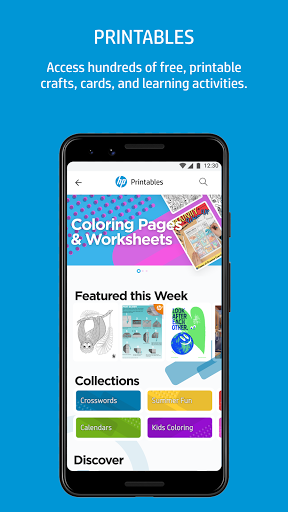
5. **Access to Printables:**
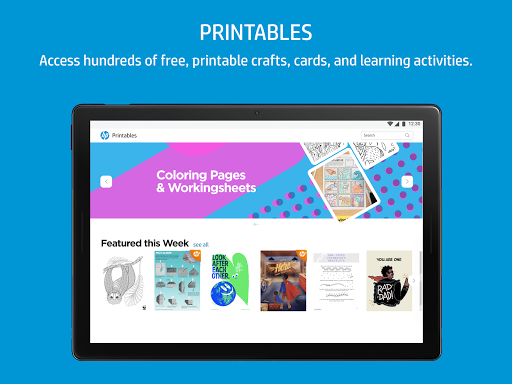
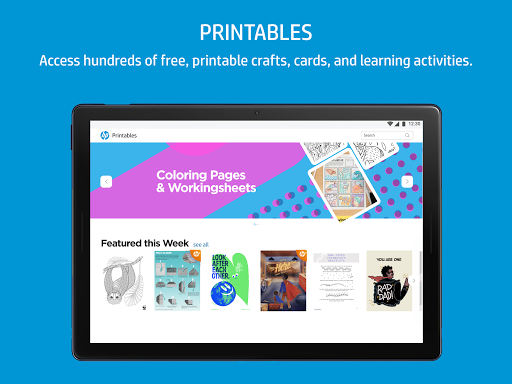
Engage with a vast library of free crafts, cards, and learning activities that are perfect for family fun. Printables are accessible directly from the app, offering creative and educational content that encourages family interaction and creativity. Printables make HP Smart more than just a printing app—it becomes a source of endless family-friendly projects.
1. **Ease of Use:**
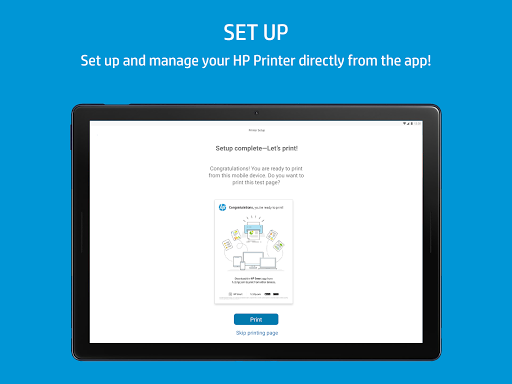
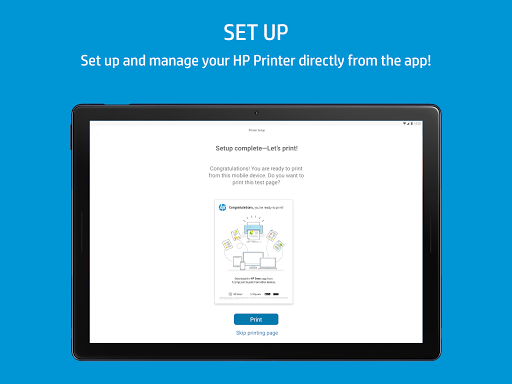
The interface is user-friendly, making setup and usage straightforward even for those who may not be tech-savvy. The step-by-step guidance ensures that installation and login to HP Smart are a breeze.
2. **Comprehensive Device Support:**
Compatible with a wide range of HP printers, the app supports both Android and IOS devices. This flexibility ensures you can seamlessly connect and print regardless of the devices you own.
3. **Enhanced Document Management:**
The ability to manage and edit documents on the go is crucial in today’s busy world. With HP Smart, all your document handling needs can be met directly from your mobile device.
4. **Cost Efficiency:**
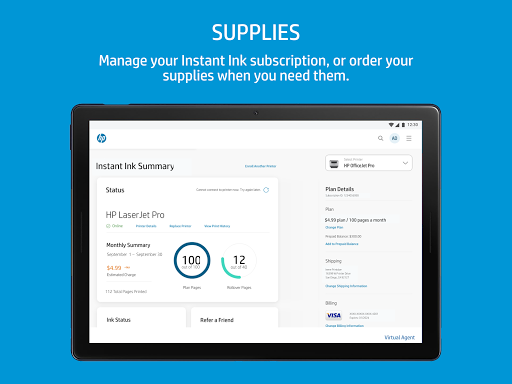
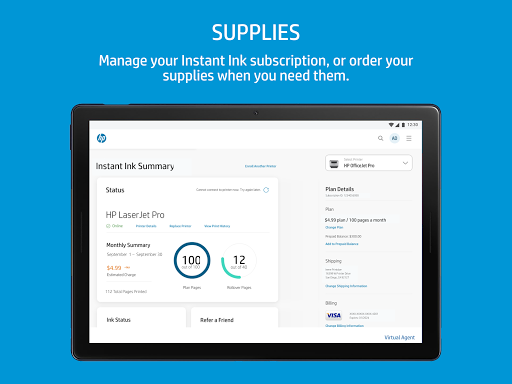
Being able to download HP Smart for free and use many of its advanced features without additional charges provides significant savings over time. Additionally, ordering supplies or getting support directly from the app helps to manage costs effectively.
5. **Reliable Connectivity:**
Whether you're printing over Wi-Fi or connected via a mobile network, the HP Smart app consistently provides stable connectivity, reducing interruptions in your workflow.
1. **Account Requirement:**
Some features require logging into an HP account, which might be a deterrent for users who prefer not to create new accounts or manage additional passwords.
2. **Network Dependency:**
Full functionality requires a stable internet connection, which may be a limitation in areas with poor connectivity.
3. **Selective Features:**
Certain advanced features and tasks are only available in English, which might limit accessibility for non-English speakers.
As someone who's constantly on the move, managing my printing, scanning, and faxing needs from a smartphone is a practical necessity. The HP Smart app has transformed how efficiently I handle documents by bringing all necessary features into one sleek, easy-to-use package. The setup process is straightforward, whether you're installing it on an Android device or via HP Smart download on IOS. Every step, from HP Smart installation to finalizing a document edit, is intuitive.
Sending faxes through a traditional machine seems archaic now, thanks to the Mobile Fax feature—no more frantic dashes to the office after hours. I particularly appreciate the Smart Tasks feature. Setting quick-access shortcuts for repetitive activities has saved me precious time. The app offers an unparalleled user experience when compared to other solutions, free HP Smart app being a reliable cornerstone in my daily productivity toolkit. The only downside is occasionally needing to adjust to feature availability based on language and account requirements, but overall, these are minor inconveniences for such a tremendously helpful tool.
- **Is the HP Smart app free to download?**
Yes, you can download HP Smart for free on both Android and IOS devices from their respective app stores.
- **Do I need an HP account to use the HP Smart app?**
While basic features can be accessed without an HP account, some advanced functionalities require logging in HP Smart with an established account to utilize full features.
- **Can I use the HP Smart app with any printer?**
The app is specifically designed to work with HP printers. For a comprehensive list of supported models, you should visit the HP support website.
- **How do I install HP Smart on my phone?**
Installation is straightforward. Simply search for 'HP Smart' in the Google Play Store or Apple App Store, hit download, and follow the on-screen instructions to set up.
- **Are there any costs associated with using Mobile Fax?**
Mobile Fax may include charges depending on the extent of its use beyond free demarcated boundaries, such as a certain number of faxes per month, especially during peak usage or professional settings.
By merging powerful document management capabilities with innovative mobile technology, the HP Smart app brings the freedom and efficiency of streamlined print services to the palm of your hand, all available with the simple ease of a free download.