ADVERTISEMENT


Welcome to a new realm of creativity and personalization with the Design Space: DIY with Cricut app. Passionate crafters and DIY enthusiasts, this is your ultimate digital workspace! Empowering you to unleash your creativity, the app seamlessly integrates with the Cricut Explore™ and Cricut Maker™ machines. Whether you're an experienced designer or just starting your crafting journey, the Design Space: DIY with Cricut app provides you with all the tools you need to bring your imaginative ideas to life.
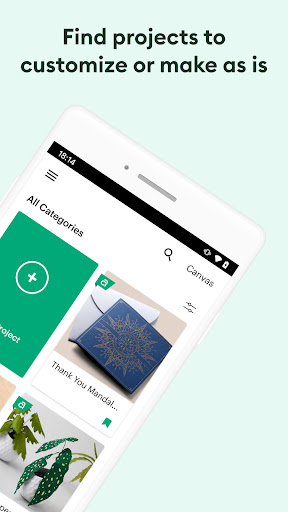
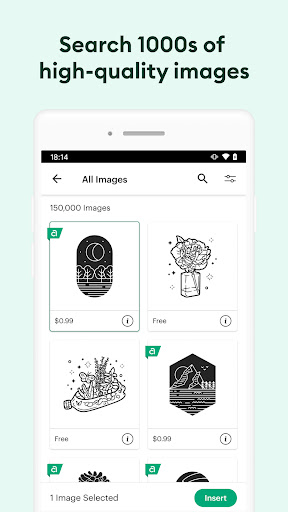
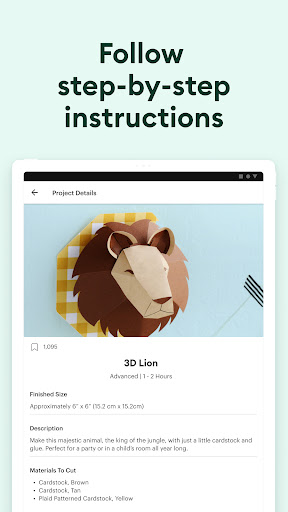
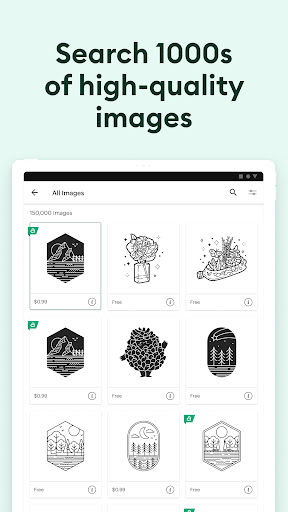
Unlock endless possibilities with a blend of customizable features and an extensive image library. Dive into thousands of ready-to-make projects and unique fonts accessible through the intuitive Cricut Image Library. Plus, with the benefit of cloud-based synchronization, you can design anytime inspiration hits, from any device you own.
For those looking for the latest in graphic design technology, updating your device to Android 9 or above ensures you can access exciting new features like kerning, spell check, and versatile text orientation. If you're new to the Cricut family, don't worry—activating your device is simple through cricut.com/setup, and dedicated support is always available to answer your queries.
---
We've been listening to your feedback, and we're thrilled to unveil the latest updates to the Design Space: DIY with Cricut app. These enhancements have been thoughtfully designed to streamline your design process and elevate your creative projects:
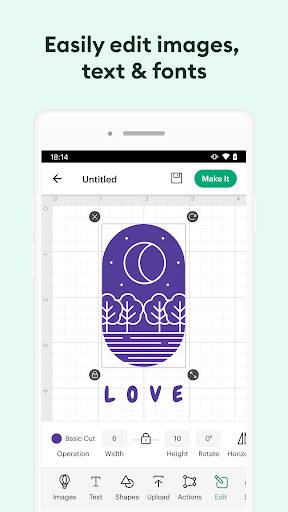
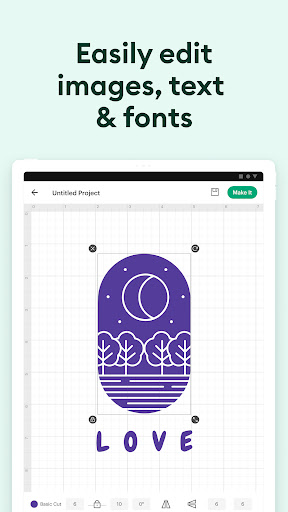
1. **Enhanced Text Tools** - This version introduces advanced typographical tools such as kerning, spell check, and support for right-to-left text. Perfect for ensuring your text elements are precise and perfectly aligned.
2. **Seamless Cloud Sync** - Craft and create whether you're on the go or at home with robust cloud synchronization that keeps your projects up-to-date across all your devices.
3. **Optimized Bluetooth Connectivity** - Improved connectivity for a more stable and efficient interaction with your Cricut machines. Experience the freedom of wireless design with ease.
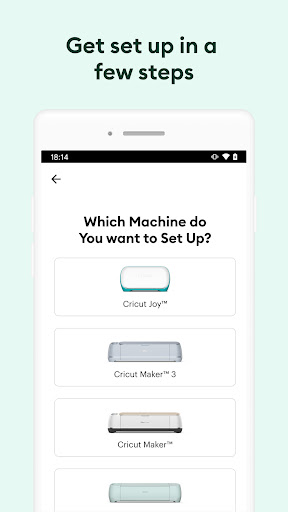
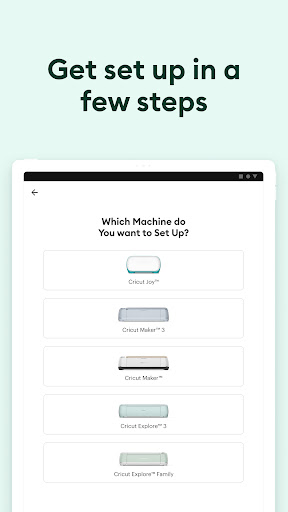
4. **New User Onboarding** - Our updated onboarding process walks new users through machine activation and project setup at cricut.com/setup, making the entry into the Cricut community smoother than ever.
5. **In-App Customer Support** - Access Cricut Member Care directly via chat, call, or email to resolve issues quickly and efficiently, ensuring continuous creative flow.
1. **Vast Image Library** - Access thousands of images and fonts, perfect for sparking creativity or finding inspiration for your next DIY project.
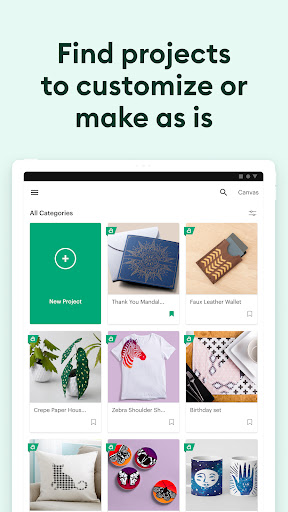
2. **Customizable Projects** - Start your project from scratch or personalize existing templates. This flexibility gives you total creative control.
3. **Cross-Device Compatibility** - With cloud-based syncing, your designs travel with you, no matter which device you're using. This functionality allows seamless designing on both Android and iOS platforms.
4. **Efficient Machine Connectivity** - Connect to your Cricut devices via Bluetooth for efficient cutting and crafting, ensuring that your projects come to life exactly as designed.
5. **User-Friendly Interface** - With a focus on intuitive design, the app is easy to navigate, making it suitable for both beginners and seasoned designers.
1. **Wide Range of Creative Tools** - With a vast library and advanced design tools, the app offers extensive resources for unique personalized projects.
2. **Flexibility and Portability** - Design on the move, thanks to robust cloud syncing and cross-platform compatibility.
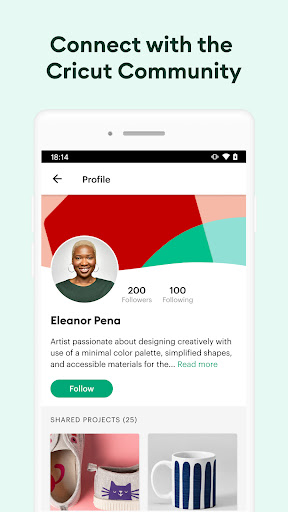
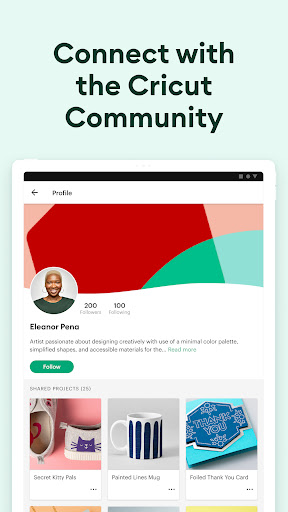
3. **User Support and Community** - With direct customer service and a welcoming community, help is always available, making it easy to get started and stay inspired.
4. **Regular Updates** - Continuous improvements based on user feedback ensure the app stays relevant and up-to-date with the latest design demands.
5. **Seamless Machine Integration** - Efficient wireless connectivity makes pairing with Cricut machines fast and simple, enhancing the overall user experience.
1. **Requires Internet Access** - For seamless synchronization and access to the full image library, a stable internet connection is necessary.
2. **Learning Curve for Beginners** - New users might require some time to explore and familiarize themselves with all features and tools available within the app.
3. **Device Compatibility** - Some features are best experienced on newer versions of Android and iOS, limiting functionality on older devices.
As an avid craft lover, the Design Space: DIY with Cricut app has quickly become an indispensable tool in my creative arsenal. The intuitive interface strikes just the right balance between powerful functionality and user-friendly accessibility, making even complex designs feel achievable.
What sets this app apart is its expansive library of images and the effortless Bluetooth connectivity to Cricut machines, which truly revolutionizes at-home crafting. I particularly appreciate the thoughtfulness of cloud syncing—I can jump from my phone to my tablet without hassle, ensuring I never lose my creative flow.
While it might be slightly overwhelming for beginners, the help and support offered by Cricut Member Care are exemplary. They provide quick solutions and encouragement that help users like me transition smoothly into exploring the full potential of this app.
Ultimately, whether you're creating personalized gifts or experimenting with new designs, the free Design Space: DIY with Cricut app offers everything a crafter could need, constantly pushing the boundaries of what’s possible in DIY.
**Q1: Where can I download the Design Space: DIY with Cricut app?**
A: You can download Design Space: DIY with Cricut directly from the Google Play Store for Android devices and the Apple App Store for iOS devices.
**Q2: Is there a free version of the Design Space: DIY with Cricut app?**
A: Yes, the app is available for free download and installation. Certain features and designs within the Cricut Image Library might require additional purchases.
**Q3: How do I activate my new Cricut machine?**
A: Visit cricut.com/setup to activate your machine and get started on your projects.
**Q4: Are there troubleshooting guides available if I face an issue?**
A: Yes, Cricut Member Care is accessible through chat, phone, and email to assist with any questions or troubleshooting needs you may have.
**Q5: Can I use the app on any device?**
A: The app can be installed on Android and iOS devices. However, for optimal use, your device should be running Android 9 or above.