ADVERTISEMENT


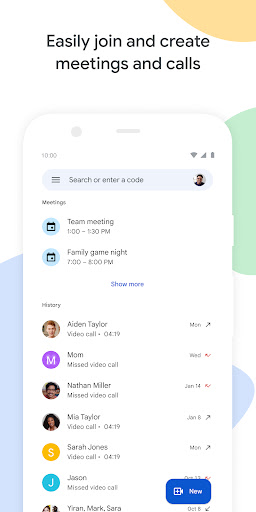
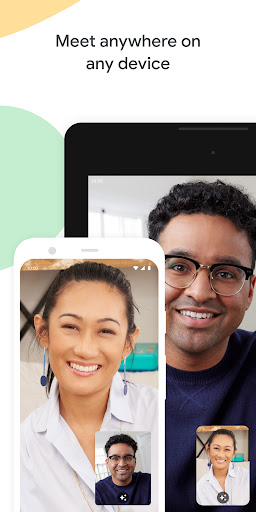
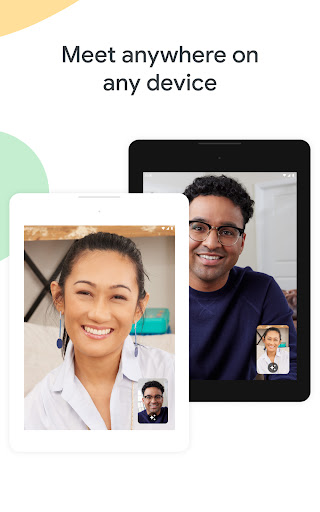
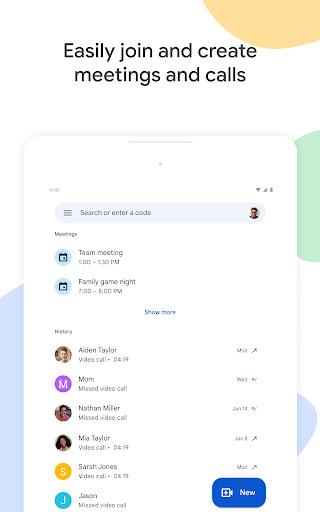
The Google Meet app is designed with a diverse audience in mind, catering to individuals looking to connect with friends and family as well as professionals who need a robust platform for collaboration. With a commitment to providing secure and high-quality video calling, the app ensures that users can engage effortlessly, no matter the setting. Whether you want to catch up on family gatherings or hold crucial business meetings, the Google Meet app is versatile enough to meet a variety of communication needs. 🌐
1. High-Quality Video and Audio: The Google Meet app is renowned for its clear, high-definition video and robust audio quality. This ensures that participants are visible and audible, which is essential for effective communication in both personal and professional environments.
2. Noise Cancellation: One of the standout features is the integrated noise cancellation. This technology minimizes background sounds, allowing users to focus on the conversation without distractions. Anyone working from home or in a busy environment will find this particularly useful.
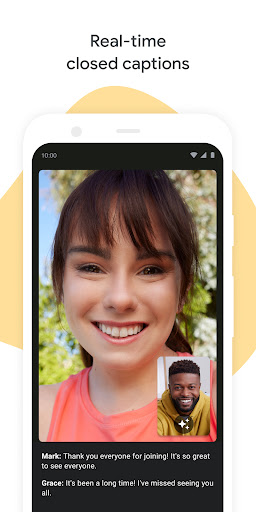
3. Real-Time Captions: Accessibility is a strong point of the Google Meet app, with real-time captions available during calls. This feature is invaluable for the hearing impaired and for multilingual participants, ensuring everyone can follow the conversation seamlessly.
4. Fun Effects and Backgrounds: Users can express themselves through various effects, filters, and backgrounds. Enhanced creativity during video calls makes for a more engaging experience, whether you're participating in a casual chat or a more formal discussion.
By downloading the Google Meet app, you gain access to these essential features that enhance your online communication. Get ready to connect like never before! 📲
1. Limited Language Support: Despite its many features, the Google Meet app falls short in terms of language support for live captions and speech translation. These features are not available in every language, which may hinder some users from fully benefiting from the app.
2. Premium Features Accessibility: While the app offers a variety of premium features like AI-powered note-taking and meeting recording, these are not accessible to all users without a subscription. This could be a drawback for those looking for a completely free solution.
3. Device Compatibility Variations: Specific features of the Google Meet app may vary based on device specifications. This inconsistency can lead to user frustration, particularly for those on older or less common devices.
User feedback showcases a mix of opinions surrounding the Google Meet app. Many users praise the app for its high video quality and innovative features. Comments like "the noise cancellation is a game changer" and "I love the fun backgrounds" highlight the app's strengths. 🌟
However, there are also critiques, with some users noting limitations such as "I wish there were more language options for captions," and "the premium features should be available to everyone." This mixed feedback illustrates the app’s successes and areas for improvement. Overall, both positive and negative comments provide crucial insight into the experience that many can expect when they download the Google Meet app. 📈