background Layer 1 background Layer 1 background Layer 1 background Layer 1 background Layer 1

Google Authenticator

Google LLC

Google Authenticator

3.6

100M+

Downloads

7.1

Version
Google LLC
Developer
Download

ADVERTISEMENT

Additional Info

  • App Name
    Google Authenticator
  • Released On
    2026/02/02
  • Content Rating
    Everyone
  • Category
    Tools
  • Rating
    3.6
  • Developer
    Google LLC

About Google Authenticator

Update

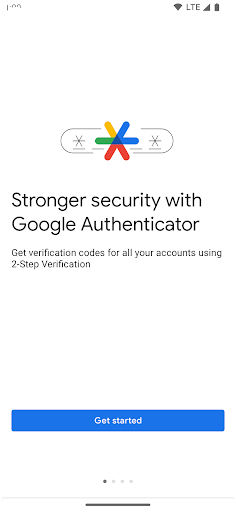
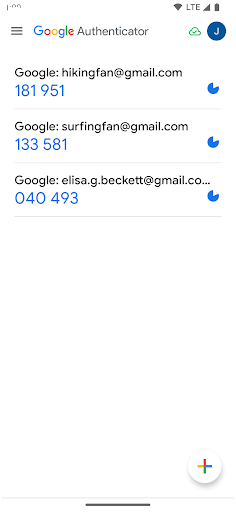
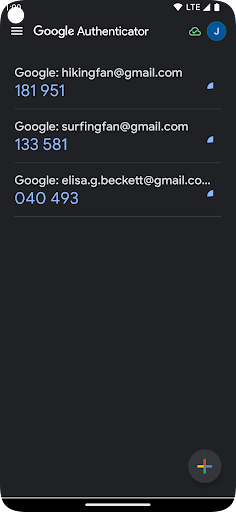
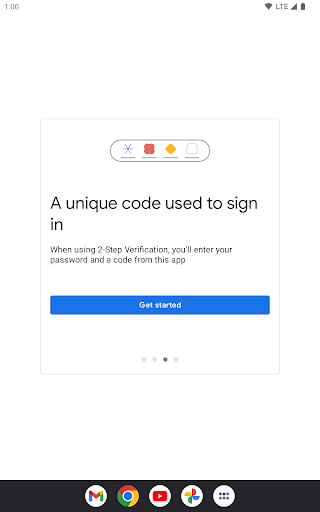
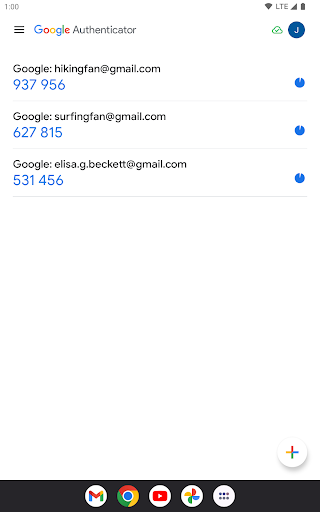
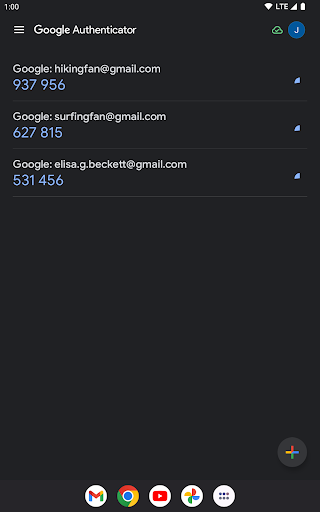
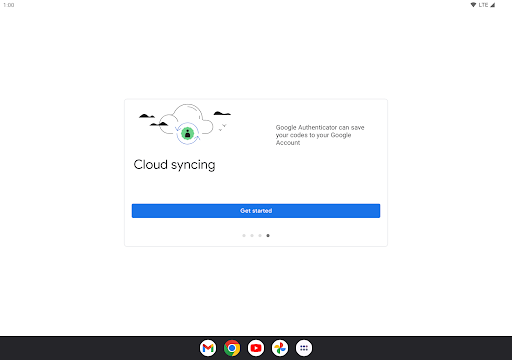
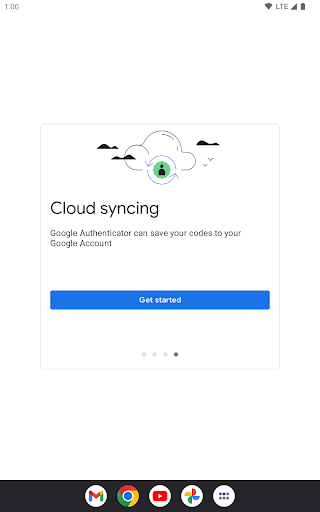
The Google Authenticator app is constantly evolving to provide a robust and secure environment for users who wish to add an extra layer of protection to their online accounts. With recent updates, Google Authenticator has integrated cloud synchronization of your verification codes with your Google Account. This means that even if you lose your phone, you can always access your codes, ensuring seamless access to all your linked accounts. Moreover, the app now allows the efficient handling of multiple devices, a feature enhancing your security setup. Another significant update is the improved interface for easier management of multiple accounts, making it effortless to organize and prioritize your online accounts secured through Google Authenticator. For both Android and iOS users, Google Authenticator's latest version aims to bring unparalleled convenience and security.
Features of Google Authenticator App

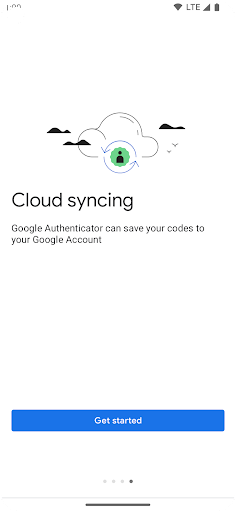
1. **Syncing Across Devices**:

- With the Google Authenticator apk, you can sync your authenticator codes automatically with your Google Account. This feature ensures that your codes are available across your devices. Even if you misplace your phone, your codes are secured and accessible via your Google Account.

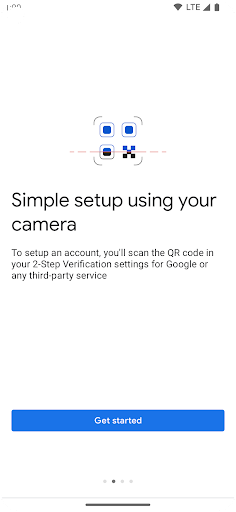
2. **Effortless Setup with QR Codes**:

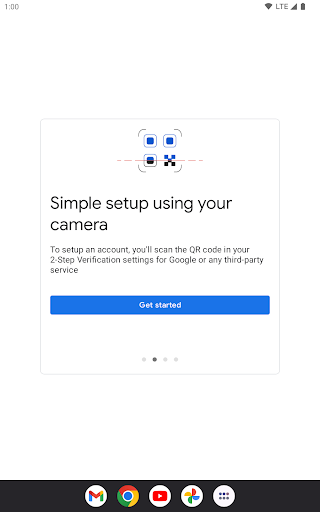
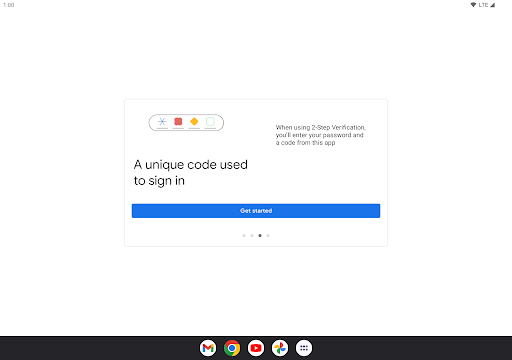
- Google Authenticator simplifies the process of setting up your accounts. By using a QR code, you can automatically configure your accounts swiftly and accurately. This streamlined process prevents any manual errors and saves time for the user.

3. **Multiple Account Management**:

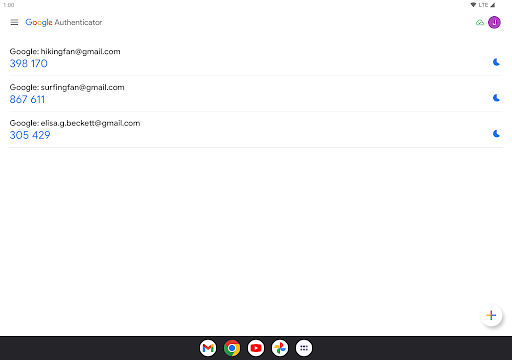
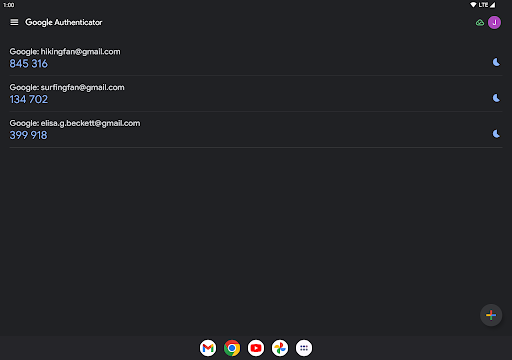
- Enjoy the support for multiple accounts within the free Google Authenticator app. This feature is a boon for users managing multiple online identities, as it consolidates all your verifications into a single app. You don’t have to juggle various authentication apps; instead, you can switch seamlessly between accounts.

4. **Choice of Code Generation**:

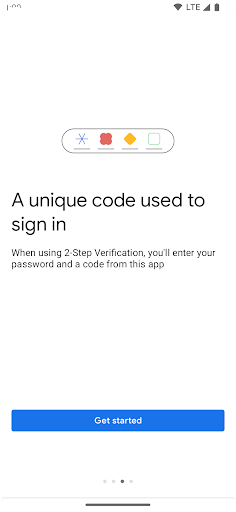
- The app supports both time-based and counter-based code generation, allowing you to select the mode that best suits your security needs. This flexibility ensures that users have choices depending on the nature of accounts you’re securing.

5. **Device-to-Device Account Transfer**:

- The app allows you to transfer accounts from one device to another using QR codes, making it convenient if you’re switching to a new phone. This feature is essential in maintaining the security of your accounts without needing to reconfigure them individually.

Pros

1. **Enhanced Security**:

- Adding an additional layer of security helps protect your accounts from unauthorized access. With Google Authenticator download, your online presence is more secure than relying on just a password.

2. **Offline Functionality**:

- A key advantage of the Google Authenticator apk is its ability to generate codes without a network or cellular connection. This ensures that you can always access your accounts, even in situations where connectivity is compromised.

3. **User-Friendly Interface**:

- The app’s straightforward interface makes it easy to manage codes and navigate through different accounts. This user-centric design is approachable for all tech levels.

4. **Compatibility**:

- Available for both Android and iOS, the app's wide compatibility ensures nearly all smartphone users can enhance their account’s security, promoting Google Authenticator installation across diverse platforms.

5. **Freedom and Accessibility**:

- It’s a free application. Download Google Authenticator and experience firsthand the seamless access and enhanced security without any associated costs.

Cons

1. **Dependency on Access to Google Account**:

- While syncing adds convenience, it means users are dependent on their Google Account for access, which could be problematic if their Google account has accessibility issues.

2. **Loss Risks**:

- If account migration isn’t set up and a phone is lost, access to the codes may be jeopardized. It stresses the importance of ensuring sync is enabled.

3. **Lacks Backup/Restore in Certain Scenarios**:

- Although the sync feature mitigates this to some extent, without it, users must carefully record backup keys to prevent being locked out if they lose their device.

Editor Review

As an avid user of various online services, I constantly look for ways to heighten security. Google Authenticator presents an excellent solution, offering a double-factor authentication that significantly raises the barrier against unauthorized account access. When I first performed a Google Authenticator installation on my Android device, I was impressed by how uncomplicated it was to navigate. Setting up accounts with QR codes made the process swift - a distinct advantage over manual setups I’ve dealt with in the past. The balance it offers between security and usability is commendable. However, I recommend ensuring all sync options are enabled to prevent losing access, especially in inconvenient situations like losing a phone. Despite some hiccups, primarily in offline account recovery scenarios, its ability to work without internet makes it an indispensable tool in maintaining my digital safety. If security is your priority, download Google Authenticator and give your accounts the protection they deserve.

FAQ

**1. How do I install Google Authenticator on my device?**

To install the Google Authenticator app, simply visit the Google Play Store for Android or the App Store for iOS. Search for “Google Authenticator” and click 'Install.' Follow the prompts provided to complete the Google Authenticator installation.

**2. Can I use the app without a Google Account?**

Yes, you can use Google Authenticator without sync to a Google Account, though syncing provides added security and convenience.

**3. How do I transfer my Google Authenticator codes to a new phone?**

Use the in-app account transfer feature. It provides a QR code that you scan on your new device to move your codes seamlessly.

**4. What happens if I lose my phone?**

If you’ve synced your codes with your Google Account, you can access them from any other device. Otherwise, you’ll need your recovery codes to regain access to the accounts.

**5. Is the Google Authenticator app free to use?**

Yes, the Google Authenticator app is entirely free. You can download and install it without any charges.

**6. Does the Google Authenticator app work offline?**

Yes, the app can generate codes without needing a Wi-Fi or cellular connection, making it reliable even in areas with limited connectivity.

Show More