ADVERTISEMENT
In the ever-evolving world of remote desktop solutions, keeping up-to-date with the latest features and improvements is essential. The AnyDesk Remote Desktop app is no exception. With its most recent updates, AnyDesk continues to push the boundaries of efficiency, usability, and security for all its users—whether they are IT professionals, remote workers, or private users looking for reliable ways to access devices from afar.
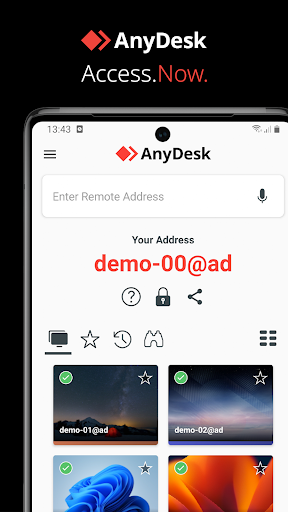
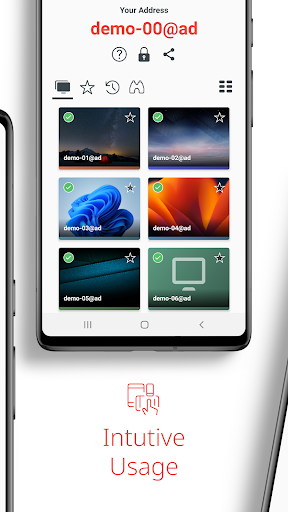
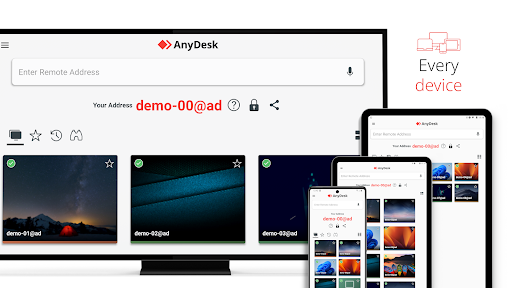
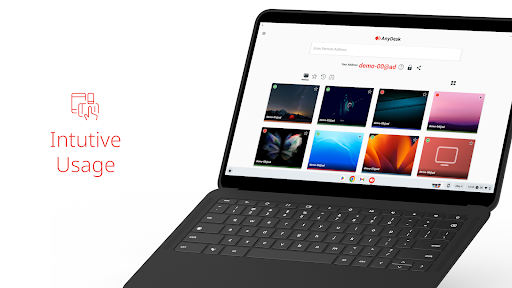
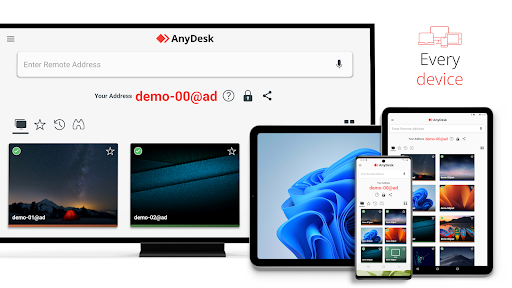
Recent updates to the AnyDesk Remote Desktop app have focused on enhancing user experience and strengthening security protocols. One of the notable improvements is the updated interface designed for smoother navigation and quicker access to essential tools. This interface allows both novice and experienced users to perform tasks with ease, signifying AnyDesk's commitment to providing user-friendly software.
Additionally, security remains at the forefront with upgraded encryption standards. Users can rest assured that their data is protected with banking-standard encryption, maintaining privacy and safeguarding information during remote sessions. This uptick in security substantiates AnyDesk's reputation as a secure choice in remote desktop solutions.
The AnyDesk Remote Desktop app is renowned for its robust suite of features, making it one of the top choices for remote access solutions. Here are five standout features that make this tool indispensable:
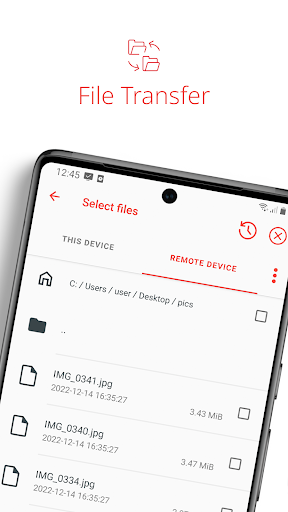
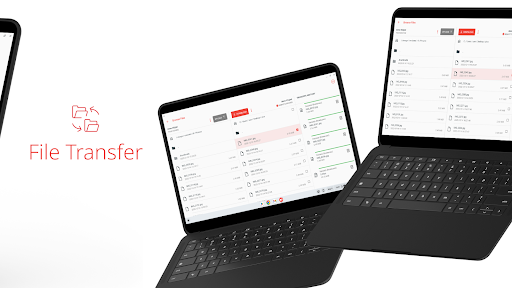
1. **File Transfer**: Seamlessly transfer files between devices, eliminating the need for cumbersome cloud services or email attachments. Whether you’re moving documents, software installations, or multimedia files, AnyDesk ensures a straightforward and secure transfer process.
2. **Remote Printing**: Print documents from your remote device to a local printer with ease. This feature is perfect for professionals who work from different locations but need to manage paperwork seamlessly.
3. **Wake-On-LAN**: Access devices that are in sleep mode through the Wake-On-LAN feature. It empowers users to wake up a computer remotely, ensuring that connectivity isn’t lost due to the device's power-saving settings.
4. **Connection via VPN**: AnyDesk offers a built-in VPN feature that allows you to create a private network between connecting devices, enhancing security. This is particularly beneficial for businesses that handle sensitive data across multiple locations.
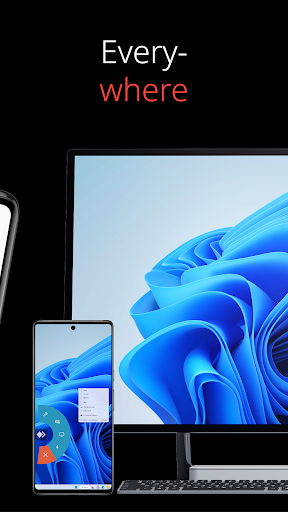
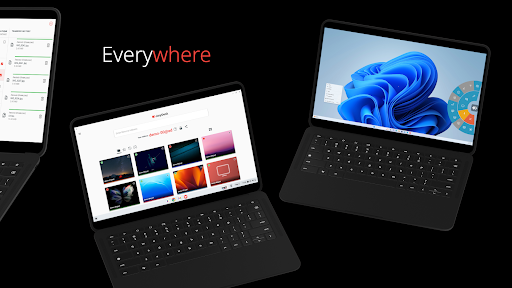
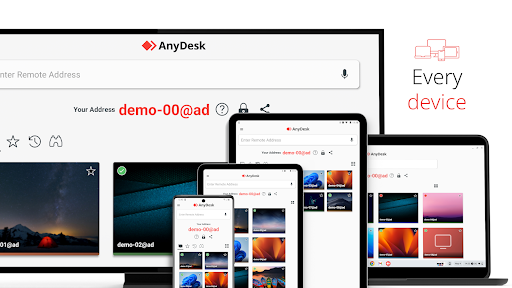
5. **Cross-Platform Compatibility**: The AnyDesk Remote Desktop app supports Android and iOS alongside various operating systems, ensuring that users can connect across a multitude of devices and platforms with minimal fuss.
AnyDesk Remote Desktop app stands out in the crowded marketplace of remote desktop solutions for several reasons. Here are five key advantages:
1. **Outstanding Performance**: With high frame rates and low latency, AnyDesk ensures smooth operation and visual clarity, making it ideal for even the most demanding tasks such as video editing or gaming.
2. **Universal Compatibility**: Whether you need the AnyDesk Remote Desktop apk for Android, wish to install AnyDesk on iOS, or require cross-platform use, AnyDesk has you covered. Compatibility with every operating system means no user is left behind.
3. **Ad-Free Experience**: Unlike many other free tools, the AnyDesk Remote Desktop app is ad-free, allowing users to focus entirely on their tasks without distraction.
4. **Secure Connections**: With banking-standard encryption, AnyDesk prioritizes user safety, ensuring that all remote connections are as secure as possible.
5. **Flexible Deployment Options**: Users have the choice of cloud-based or on-premises deployment, making it easy to tailor the installation of AnyDesk to the specific needs and infrastructures of different businesses and individuals.
While the AnyDesk Remote Desktop app provides a plethora of features, no software is perfect. Here are a few drawbacks users may encounter:
1. **Limited Features for Free Version**: While the free AnyDesk app is a fantastic option for personal use, certain advanced features are restricted to the paid versions, which might limit functionality for some users.
2. **Internet Dependency**: Like most remote desktop applications, AnyDesk requires a stable internet connection for optimal performance. Users in areas with poor connectivity might face difficulties.
3. **Initial Setup Complexity**: Although AnyDesk is designed with ease-of-use in mind, some users may find the initial AnyDesk Remote Desktop installation and setup process challenging without prior experience.
Having had the opportunity to explore the AnyDesk Remote Desktop app, I can confidently say it is one of the most capable remote desktop solutions available today. AnyDesk manages to balance usability with a comprehensive suite of features, creating a seamless user experience across multiple devices and operating systems.
The app's performance is notably impressive, providing high-quality visuals with minimal lag. This is particularly beneficial when working remotely or managing multiple devices simultaneously. The inclusion of functions like remote printing and file transfer exemplifies AnyDesk’s thoughtfulness in creating a product that caters to a wide array of professional needs.
Security is always a top concern with any remote service, and AnyDesk excels in this area with its banking-standard encryption. This makes it a reliable choice for both businesses and individuals who perform sensitive operations online. Even its VPN feature, albeit limited to specific functionalities, adds an extra layer of security that many users will appreciate.
However, while the app is ad-free and free for personal use, its commercial version may be required to unlock the full potential of advanced features. Overall, if you’re looking to download AnyDesk Remote Desktop or install AnyDesk for secure, versatile remote access, this app is worth considering.
**Q: How do I download and install the AnyDesk Remote Desktop app?**
A: You can download AnyDesk Remote Desktop from the official website or app stores like Google Play for Android devices and the Apple App Store for iOS devices. Once downloaded, the installation process is straightforward, involving a few clicks to set up and launch the app on your device.
**Q: Is AnyDesk free for commercial use?**
A: No, AnyDesk is ad-free and free only for personal use. For commercial purposes, users must purchase a license. Visit the AnyDesk website for detailed pricing plans and options tailored to business needs.
**Q: How can I connect to a remote device using AnyDesk?**
A: After installing the AnyDesk app, launch it on both the local and remote devices. Enter the AnyDesk-ID displayed on the remote device into the app on your local device, then confirm the access request on the remote device. Once connected, you can control the remote device.
**Q: Can I use AnyDesk on multiple platforms?**
A: Yes, AnyDesk is available on multiple platforms. You can use it on Android, iOS, Windows, macOS, Linux, and more. This cross-platform compatibility ensures that you can access and control devices regardless of their operating system.
**Q: What if I have issues during the AnyDesk Remote Desktop installation?**
A: If you encounter any issues during installation or have any questions, you can contact AnyDesk support through their website. They offer a comprehensive Help Center to guide you through frequently encountered problems and solutions.
With its wide range of features, impressive performance, and stringent security measures, AnyDesk Remote Desktop app remains an invaluable tool for anyone needing robust remote access capabilities. Whether you're looking to log in to a faraway device, transfer essential files, or conduct business operations remotely, AnyDesk is at your service, offering a seamless bridge between you and your digital universe.